Getting Started with Omnissa TestDrive
Omnissa TestDrive provides Omnissa customers, partners, employees, and Tech Insiders the opportunity to explore Omnissa products including all Workspace ONE services, Horizon, and Horizon Cloud Service. After a brief manual registration, users can access TestDrive.
TestDrive Registration
TestDrive registration is available to the following user types and the registration process is fully automated for your convenience.
Check your user type below to view brief TestDrive registration instructions.
👉 Click here for the TestDrive customer invitation guide.
👉 Click here to find an Omnissa partner.
REGISTER WITH YOUR ROUTABLE COMPANY EMAIL ADDRESS.
Omnissa Connect handles authentication. At minimum, you need an Omnissa Account. If your organization uses a federated directory, you can instead sign in with SSO through Omnissa Connect.
At the end of registration, accept the TestDrive Terms of Use. If you skip this step, your account remains inactive.
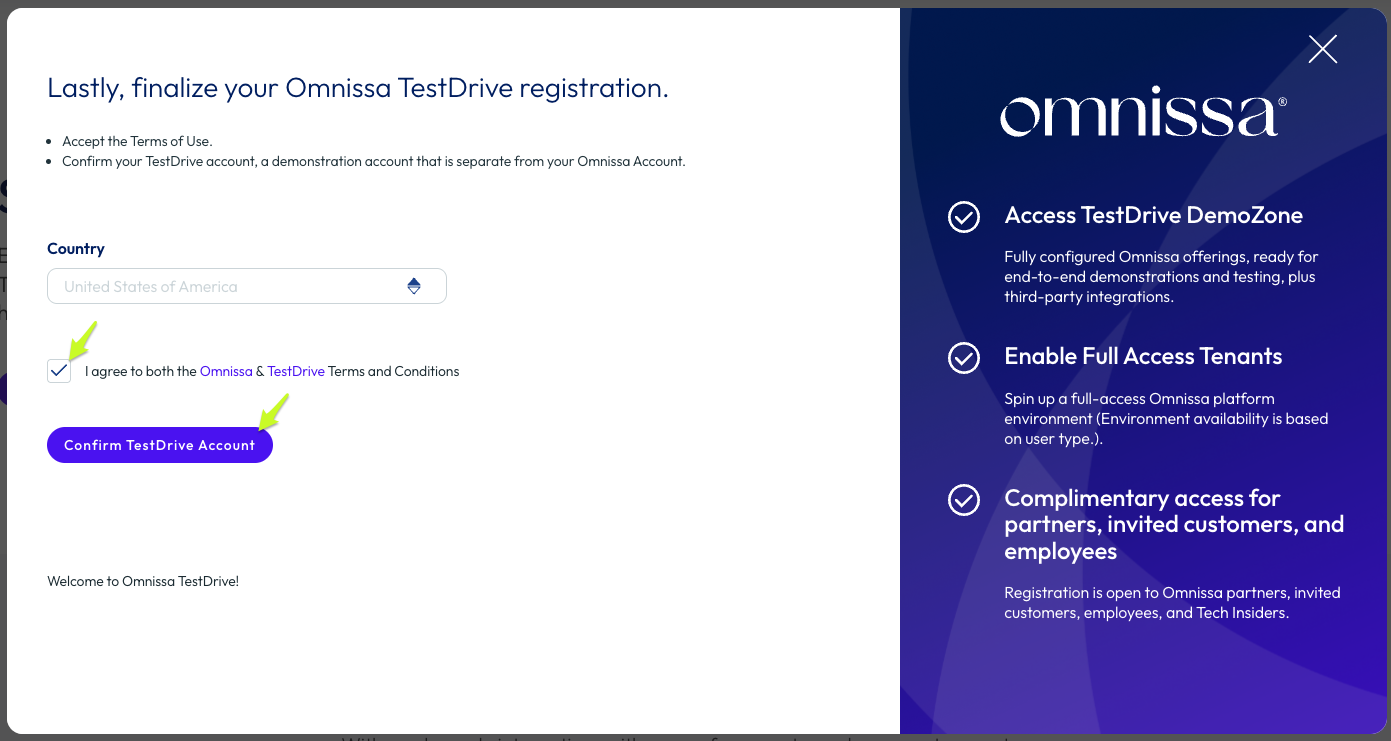
Go here to begin TestDrive sign-up.
Enter your registered Tech Insider email address. Your Tech Insider membership will be automatically validated by TestDrive. Proceed through the registration form.
Be sure you accept the TestDrive Terms of Use at the end of the registration flow, else your account will not activate.
For employees, registration is manual but quick. Go here and register with your Omnissa employee email address.
Complete each step in the flow: submit your email, authenticate through Omnissa Connect, and finish account setup so your access is activated.
Inside TestDrive
TestDrive is the home of several platforms that facilitate sales demonstrations, testing, and training. Entitlements to the areas are based on your relationship with Omnissa.
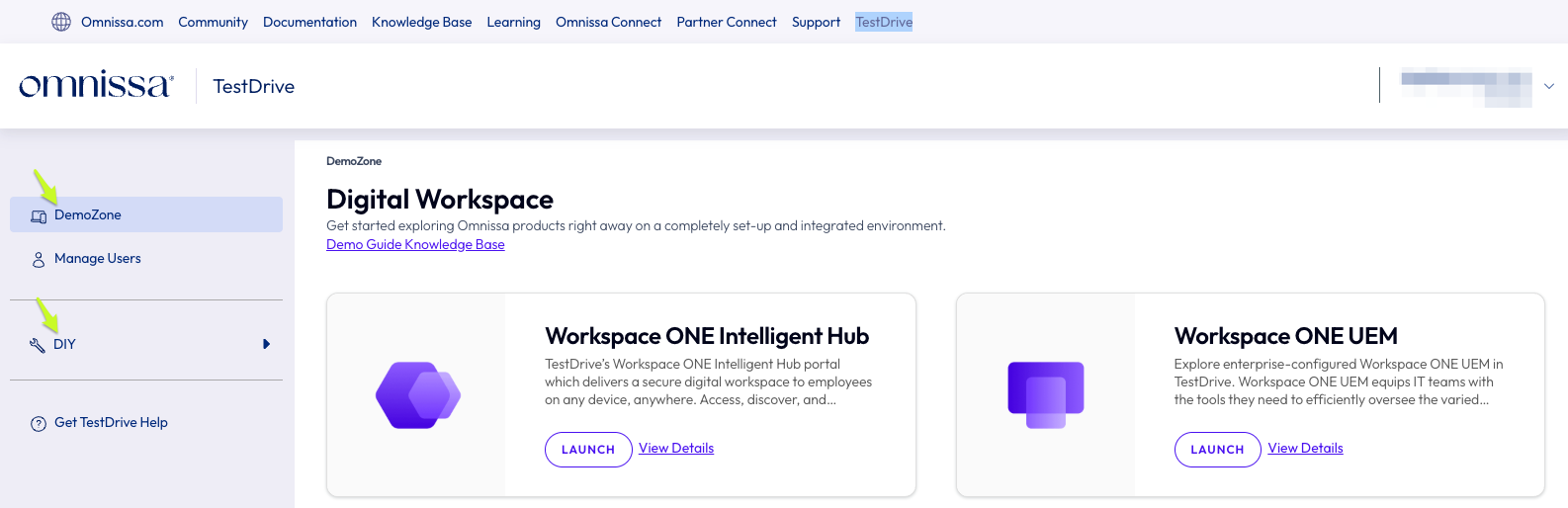
DemoZone
The DemoZone area provides fully ready-to-use environments where all administration, configuration, and integrations have already been completed.
Step into production-grade environments with hundreds of settings, policies, and integrations already in place, so you can experience the full power of Omnissa products immediately with zero configuration.
All TestDrive users have DemoZone access.
DIY
DIY is the gateway to enabling do it yourself environments. Sub sections contain customer sandbox enablement and the Proving Ground request.
DIY entitlements are based on your relationship with Omnissa.
What's next?
Once you have a TestDrive account, review the articles in TestDrive Fundamentals.
Not receiving TestDrive email?
See TestDrive Email Delivery Requirements.
If you're certain your organization is not filtering TestDrive email, contact TestDrive support.
TestDrive Support
TestDrive support is available at tdhelp.omnissa.com.