Home > Demo Guides > Workspace ONE
How to Log in to Workspace ONE
In this quick walkthrough, we're going to show you how to log in to the TestDrive ready-to-use Workspace ONE environment.
Overview
The following topics are covered:
- Log Into Workspace ONE through the browser.
- Add applications from the Catalog to your bookmarks.
- Display added apps in your workspace.
Before You Begin
Make sure you have the following before using this walkthrough:
- A valid account in the Omnissa TestDrive environment, sign up here if you do not yet have an account
- Network access from your device and TCP port 443
- For Horizon apps: TCP ports 80, 443; and if using PCoIP, both TCP & UDP 4712
- Horizon Client installed on your machine in order to launch into virtual apps
Walkthrough
Open a browser and navigate to the TestDrive portal at testdrive.omnissa.com
Log into the TestDrive portal with your Omnissa Account.
Go to DemoZone > Workspace ONE Intelligent Hub.
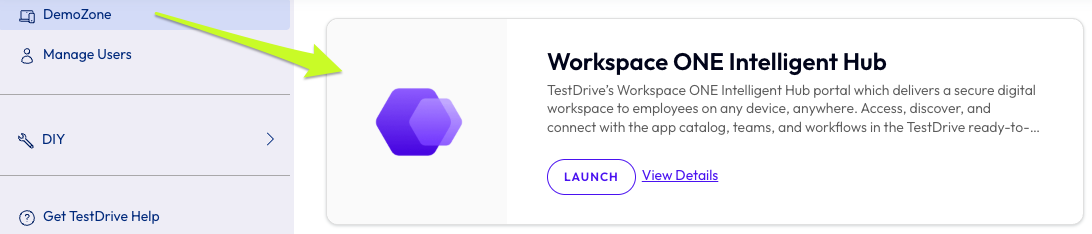
Click View Details to see your demo account information.
Click LAUNCH to launch another browser tab and load the URL for Workspace ONE.
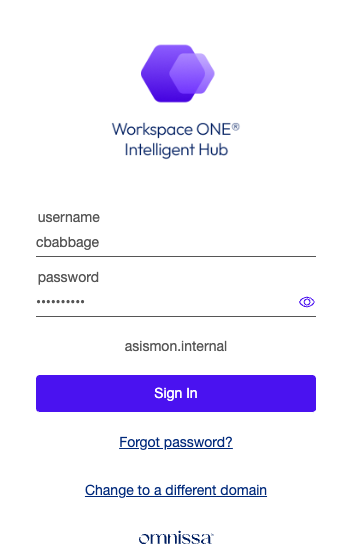
Once the Hub page has loaded, log in with your demo account username and password.
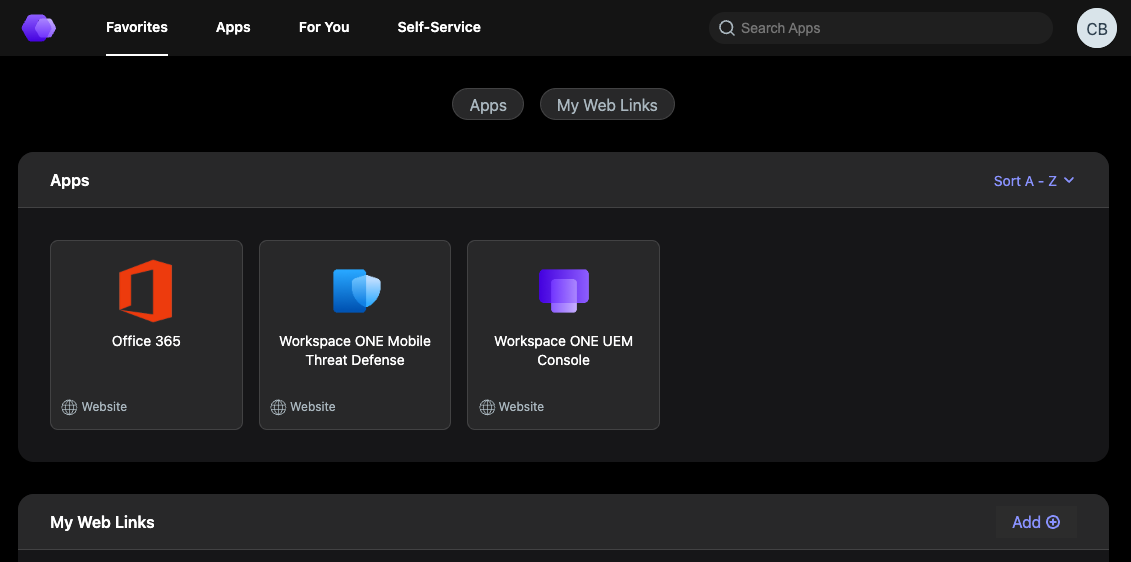
Once you've logged in you will be taken to Favorites. If this page is blank, don't panic! You can add as many favorites as you would like from the Apps area.
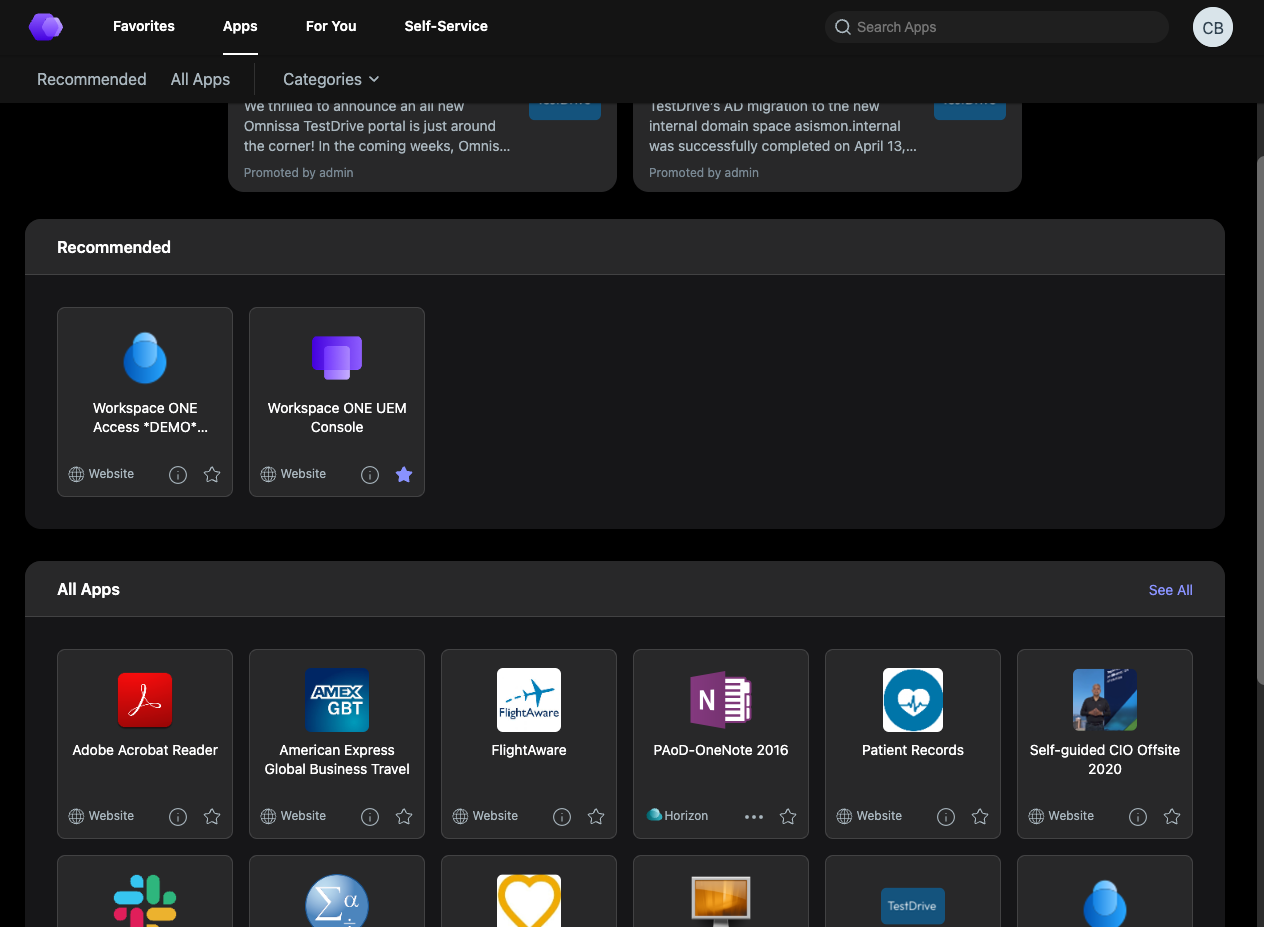
To add a new application to Favorites, go to Apps, and either browse or search for your desired app.
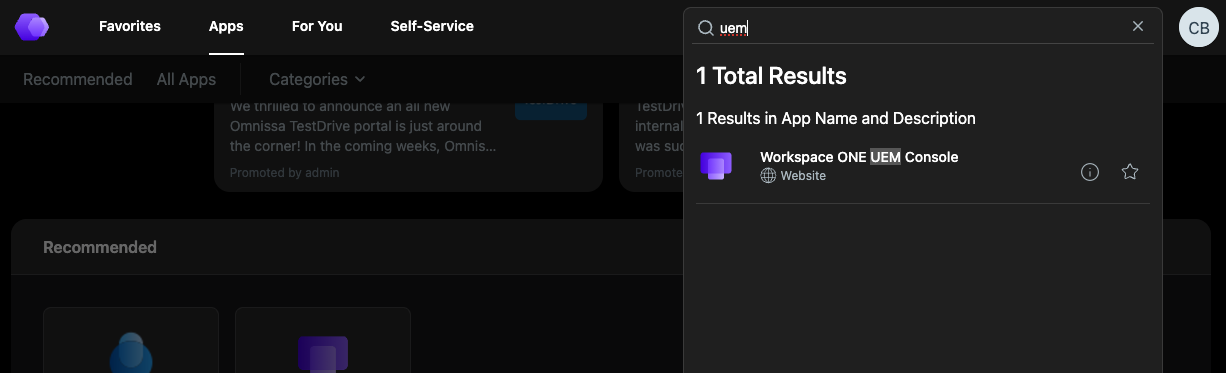
Choose any apps you'd like to add to your Favorites from the Apps menu. Click on the star icon for each app you would ldd to your Favorites or click open to launch the application.
You will be SSO into any of these apps from your workspace, like Workspace ONE UEM console, for example.
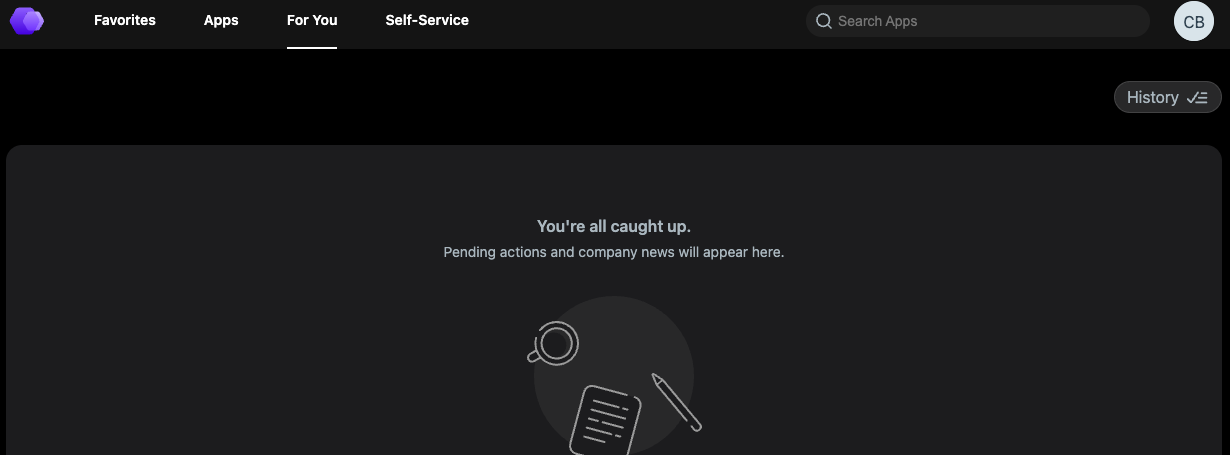
You can also check out the For You tab that is a central place to be notified of important company updates and events and take action on important workflows to boost employee productivity.
For Additional Information
Review Workspace ONE resources in Tech Zone.
Review our Knowledge Base for other TestDrive guides.