Home > Demo Guides > Horizon
Launching Virtual Desktops from Horizon Client
This article will walk you through launching virtual desktops from the Horizon Client.
Overview
- Log into the TestDrive Portal.
- Launch Horizon Native Client link.
- Enter TestDrive Account credentials.
- Launch a Windows 11 Virtual Desktop from the America Region.
Before You Begin
In order to access the end to end demo, please ensure you have the following:
- A valid account in the Omnissa TestDrive environment, sign up here if you do not yet have an account.
- Network access from your device and TCP & UDP ports 80, 443, 8443; and if using PCoIP, both TCP & UDP 4172.
- Latest Horizon Client installed, available via direct download here.
TestDrive Portal Login
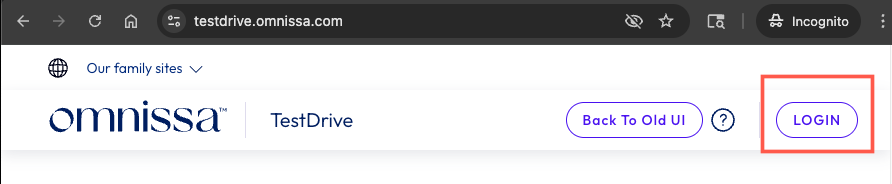
Open a browser window and navigate to the TestDrive Portal at testdrive.omnissa.com.
Log into the TestDrive portal with your Omnissa Connect Account as prompted.
Launch the Horizon Client
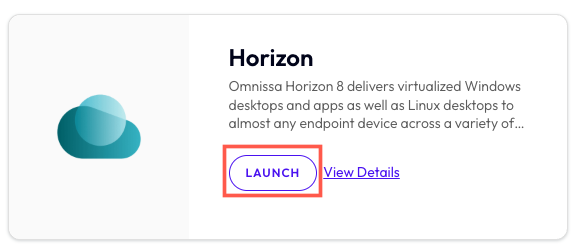
From within DemoZone in the TestDrive Portal, find the Horizon product tile, then click the LAUNCH button.
Launch the Horizon Client
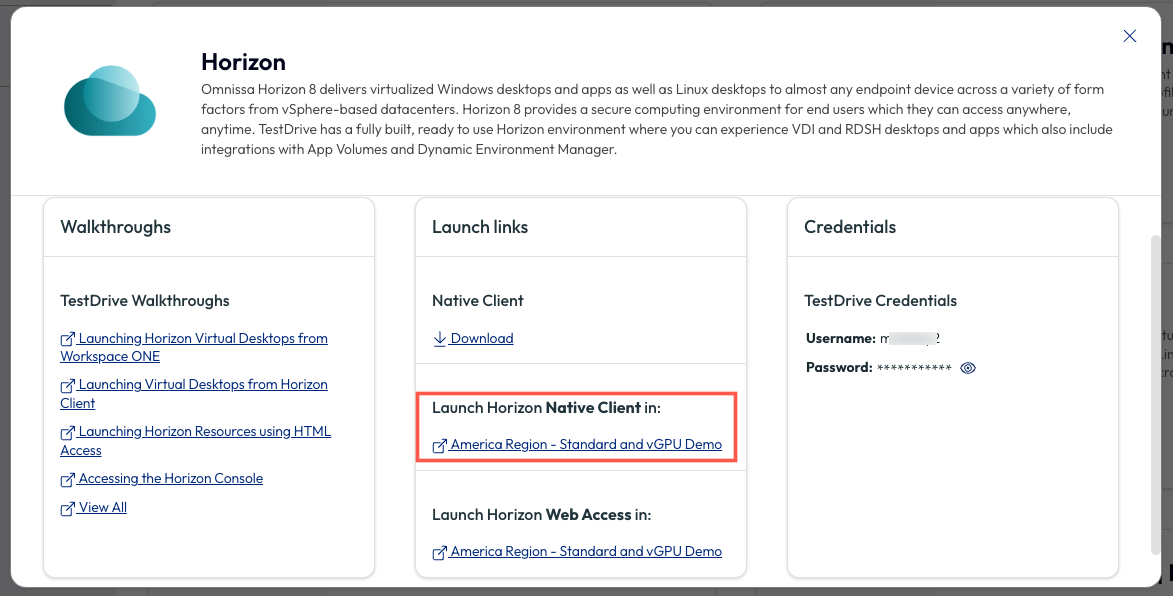
On the pop up menu, under Launch links > Launch Horizon Native Client, click on America Region - Standard and vGPU Demo.
Enter TestDrive Credentials
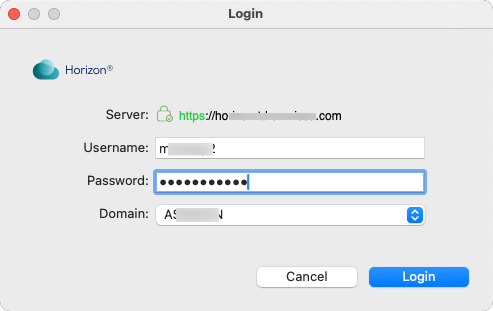
At the login screen, enter your TestDrive Credentials (visible to you in the Credentials section of the pop up menu for the Horizon product tile shown the previous step). Once you have entered your username and password, click Login.
Choose and Launch a Desktop
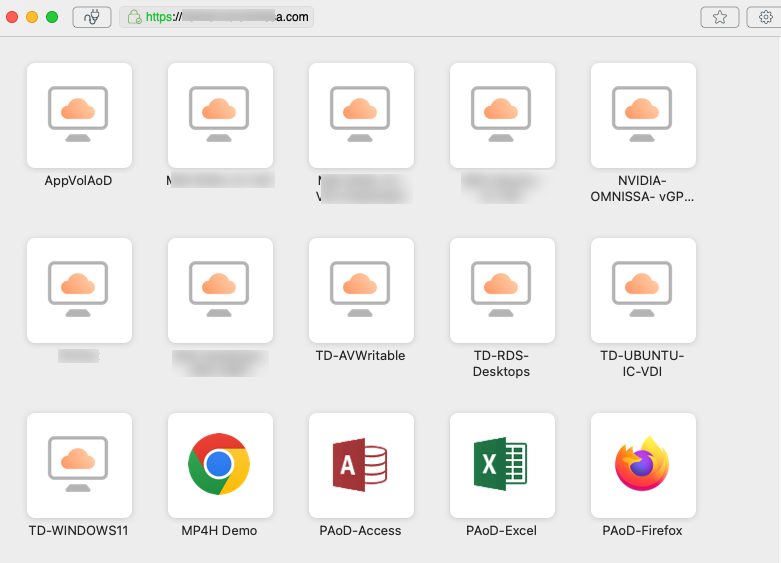
There are several desktop pools available in the America Region such as TD-RDS-Desktops (Windows 2022), TD-WINDOWS11, and NVIDIA- OMNISSA- VGPU TEST DRIVE (Windows 11).
Double click on the desktop pool you would like to launch.
Desktop Launched from Horizon Client
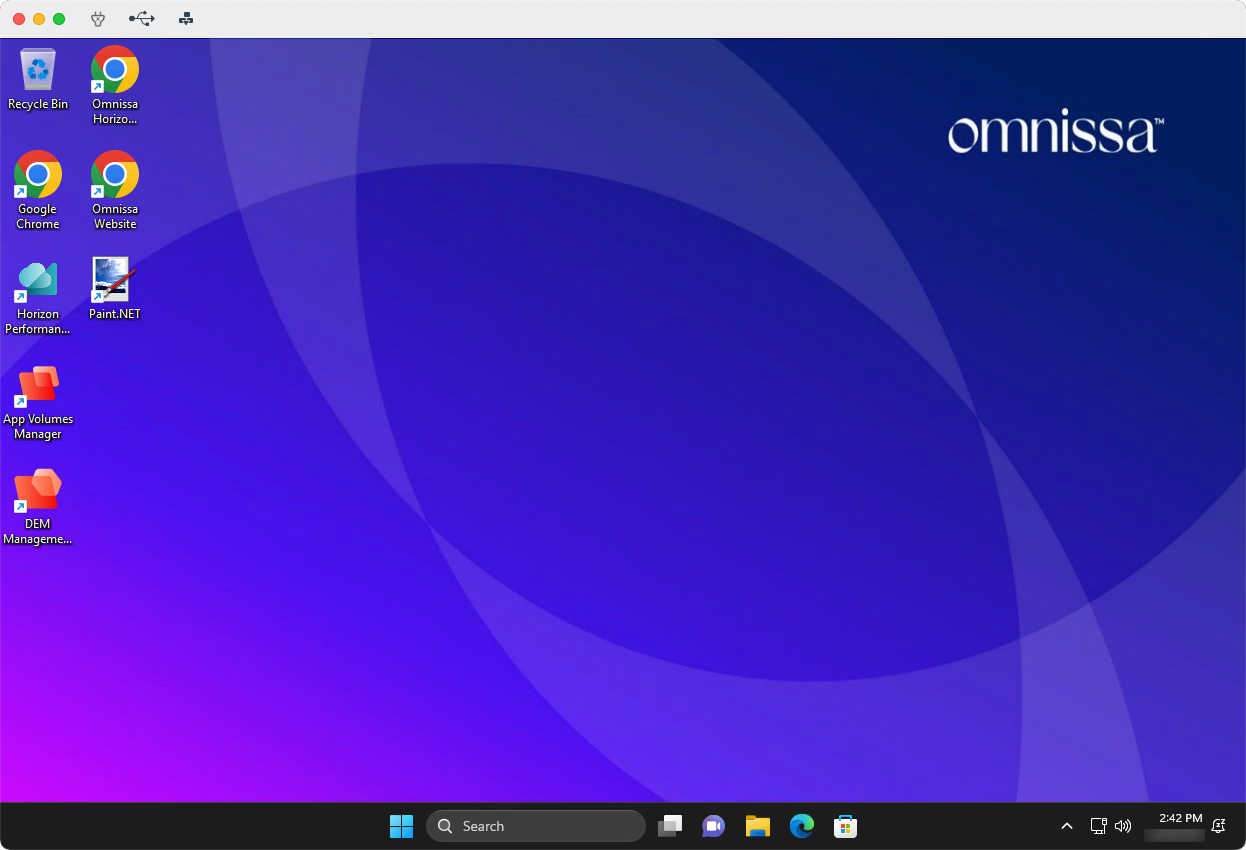
Explore the functionality and performance of the virtual desktop you just launched.
Feel free to launch other Horizon 8 desktops that are available in Horizon Client.